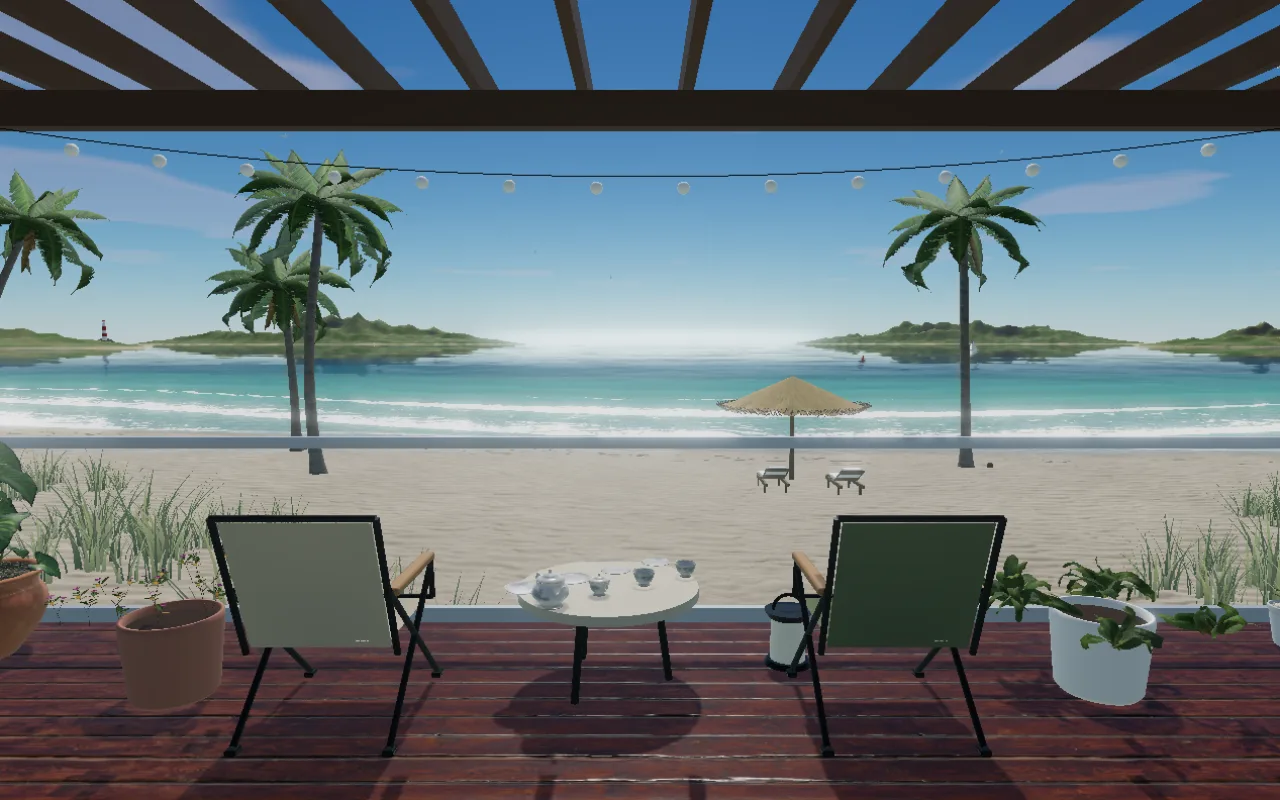
White sand, turquoise water and palms swaying in the breeze
Start with this viewSea sunsets, mountains and rivers, city lights. Set a chair in your favorite view and add the sounds of your day.
In your browser, no installation. Decorate and share without signing in.Choose animated 3D seas, mountains and cities. Photo panoramas are available as separate options.
White sand, turquoise water and palms swaying in the breeze
Start with this view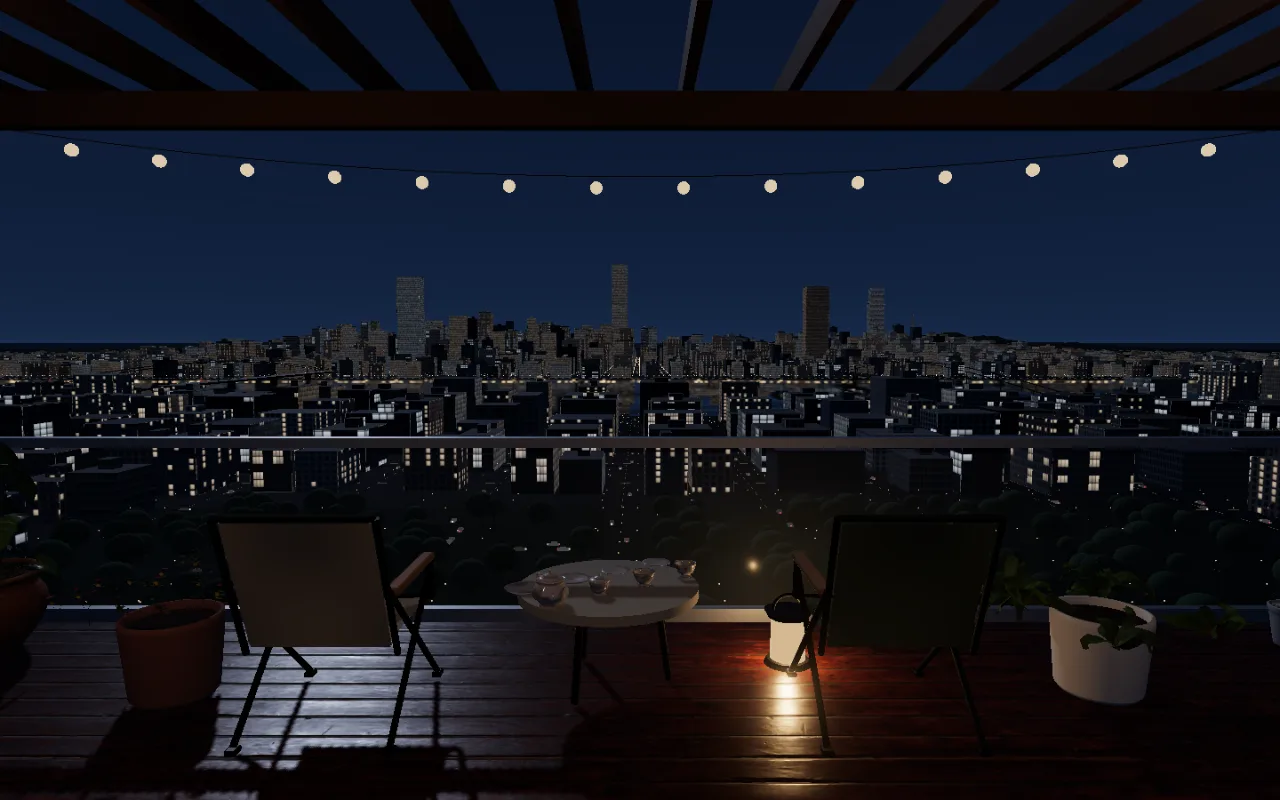
Two-way riverside traffic and softly lit buildings
Start with this view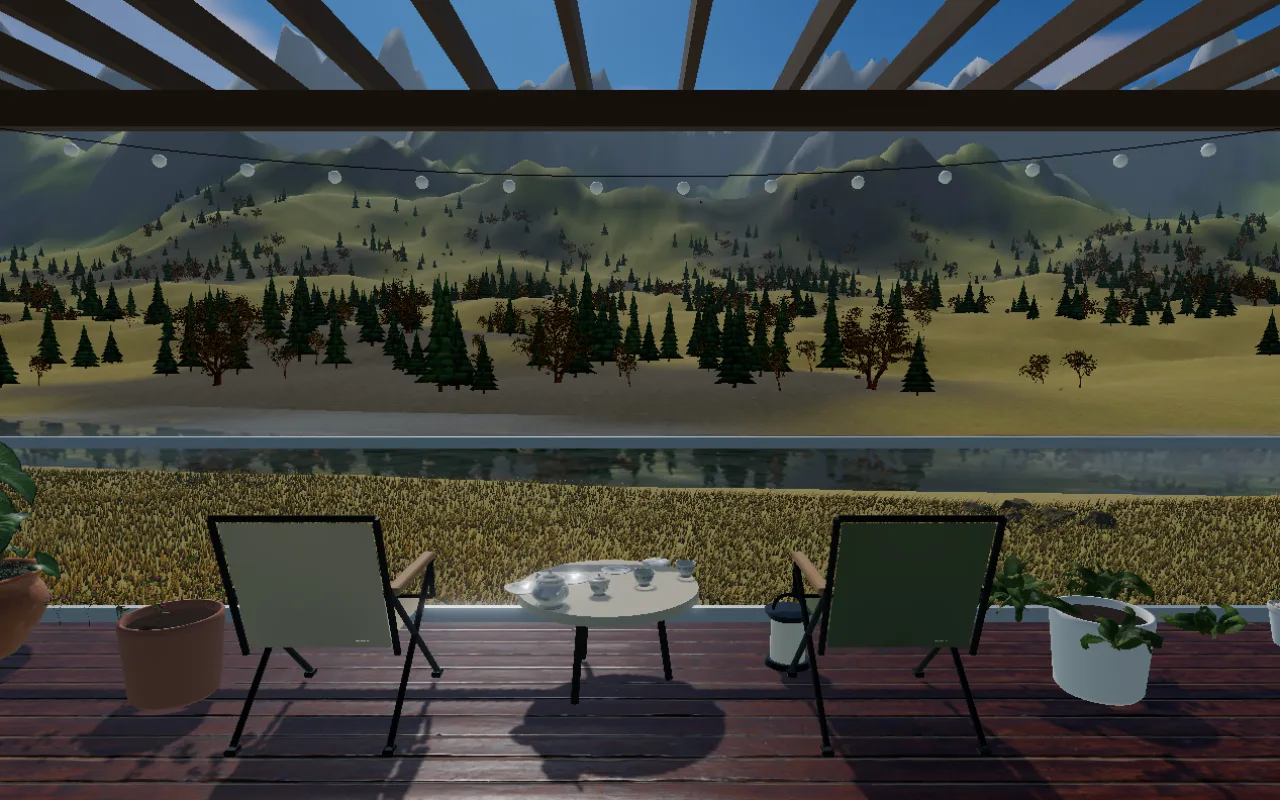
A river through woods and fields
Start with this viewSwap camping chairs, modern seats, tables, plants and flowers without moving them. Choose a wood pergola, tarp or café awning, then set the shape and warmth of the lights.
Mix waves, rain, streams, birds and a campfire, or let the scene choose a mix. Pick classical music from a playlist and use the sleep timer to fade the sound out.
Relax hides the menus and leaves the view. Show the clock or performance info only when you need it. Drag to look around, or change to a seated view or the railing.
Press Relax to leave only the scenery as a screensaver, or add the address to a wallpaper app for a moving desktop landscape. It also suits a living-room TV or a second monitor.
Tap the screen and press Play first. Check the master volume, mute setting and your device volume. Some browsers may pause playback when you switch apps or lock the screen.
Your terrace is saved in this browser without signing in. Clearing browser data or changing devices can remove that continuity. Where GameNow sign-in is available, an account can save your terrace and playlists across devices.
A scene downloads its files when first selected; music downloads when first played. Previously downloaded files use the browser cache. New scenery or tracks can add downloads, and clearing the cache requires downloading again. Waves, rain sounds and moving cars are generated on your device.
Press Make this my terrace in the received link to copy it to your own terrace. Later changes apply to your copy. See the sharing guide for the full steps.